








- Description
- Minimum Requirements
- Specifications
- Reviews (0)
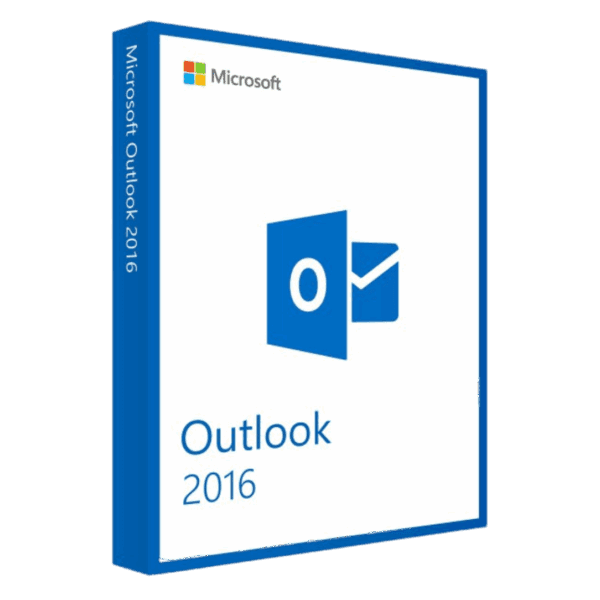
Microsoft Outlook 2016 for Windows and macOS is designed for professionals, teams, students, and home users who need dependable email, calendar, contacts, and tasks—supported by a lifetime license, instant digital delivery, and 100% compliance with EU Directive 2009/24/EC for fully legal software resale in the EU.
Overview of Microsoft Outlook 2016
- Platform: Windows
- Edition: Outlook 2016 Standalone
- License Type: Retail
- Devices: 1 device
- License Duration: Lifetime
- Activation Method: Online activation
- Delivery: Instant digital delivery via email
- Support: Email and remote assistance
- Language Support: Multi-language
- Compliance: Fully legal resale under EU Directive 2009/24/EC
What Is Microsoft Outlook 2016?
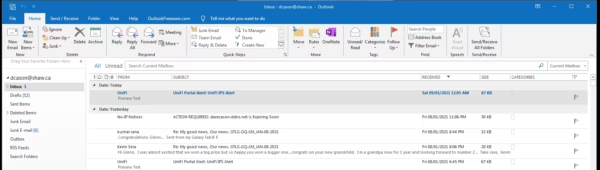
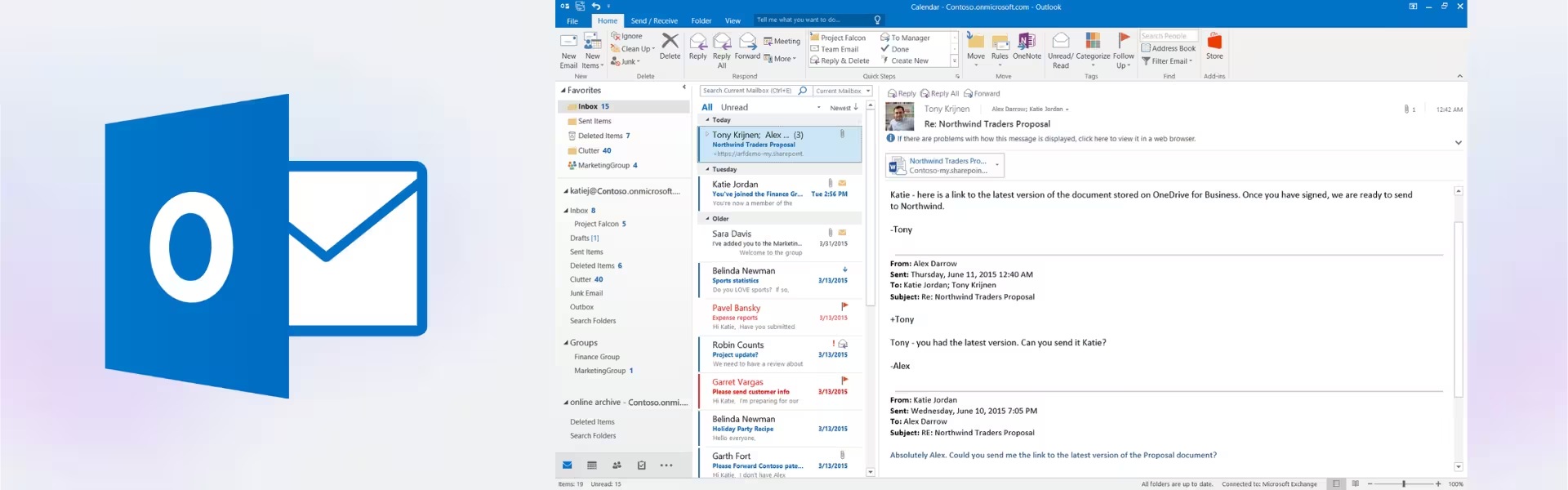
Microsoft Outlook 2016 is your all-in-one hub for email, calendar, contacts, and tasks. You can connect Exchange, Microsoft 365, Gmail, iCloud, and IMAP/POP accounts, then manage everything from one familiar interface. Intelligent triage, fast search, and robust scheduling help you stay focused and organized.
If you’re comparing options, explore our Outlook category for related editions and bundles. Need a genuine Windows license for your PC? Pair Outlook with Windows 10 Pro for seamless performance. Typical use cases include inbox consolidation for small businesses, secure corporate mail on Exchange, academic timetabling, and home or travel planning with shared calendars.
Included Features in Microsoft Outlook 2016
- Unified Accounts: Combine Exchange, Microsoft 365, Gmail, and IMAP/POP into a single streamlined inbox.
- Powerful Calendar: Share calendars, send invitations, track responses, and manage multiple time zones.
- Advanced Search: Locate messages, people, and attachments quickly with precise filters and indexing.
- Security & Encryption: Modern authentication and S/MIME help safeguard sensitive communications.
- Offline Access: Read, compose, and queue emails even when you’re not connected.
New Features in Microsoft Outlook 2016
- Modern Attachments: Attach files directly from OneDrive with quick permission prompts and version awareness.
- Clutter Inbox: Intelligent sorting moves low-priority mail aside so important messages stay visible.
- Groups (with Exchange/Microsoft 365): Collaborate via shared conversations, files, and calendars when connected to your organization.
- Faster, Smarter Search: Improved indexing and filters deliver results more quickly across mail and attachments.
- “Tell Me” Assistance: Type what you want to do and jump straight to the command you need.
Key Features & Benefits of Microsoft Outlook 2016
Security & Compliance
You protect mail with modern auth, S/MIME, and policy controls—paired with a retail license that’s 100% legal under EU law and compliant with Directive 2009/24/EC.
Performance & Virtualization
You benefit from reliable performance, efficient indexing, and smooth operation on modern PCs, managed desktops, and VDI environments.
Remote Access Tools
You stay productive anywhere with dependable offline mode, shared calendars, and rich cross-organization meeting invites.
Productivity & Efficiency
You cut inbox noise using Clutter, rules, quick steps, and powerful search—saving time on every message.
One-Time Ownership
You pay once and keep it—no subscription or renewal—with a lifetime license and instant email delivery.
How to Activate Your Microsoft Outlook 2016 License
- Download the software
- Install it on your device
- Go to Settings > Activation
- Enter your product key and activate online
Why Buy Microsoft Outlook 2016 from Digital License?
- Instant delivery via email within minutes
- Lifetime license with no subscription
- Remote support and installation help included
- 100% legal resale under EU Directive 2009/24/EC
- Refund guarantee if activation fails
Digital License Is a Verified Microsoft Partner
Digital License is an official Microsoft Partner (ID: 7033487), recognized for delivering genuine software licenses and verified solutions across Europe. You can verify our partnership directly on the Microsoft Partner Directory. This ensures every license you purchase is authentic, secure, and fully compliant with Microsoft standards and EU Directive 2009/24/EC.
FAQs About Microsoft Outlook 2016
- Is this a subscription like Microsoft 365?
- No—this is a lifetime license for Outlook 2016 with no subscription or renewal required.
- Do I receive a genuine retail key?
- Yes, you receive an authentic retail key with remote activation support and a full refund guarantee if activation fails.
- Is this 100% legal under EU law?
- Absolutely. Our licenses are 100% legal under EU law and comply with Directive 2009/24/EC on lawful software resale.
- Will Outlook 2016 work with my current email provider?
- Yes. Outlook supports Exchange, Microsoft 365, Gmail, iCloud, Yahoo, and standard IMAP/POP services.
- Can I move Outlook to another device later?
- Yes. With a retail license, you can transfer activation to a new device (one device active at a time).
- What if I need help with activation or setup?
- We provide remote activation support, step-by-step instructions, and a full refund guarantee if we cannot resolve the issue.
- Does Outlook 2016 include accessibility improvements?
- Yes. Features like “Tell Me” assistance and clearer text spacing help you read and act faster.
Installation & Support for Microsoft Outlook 2016
- Official product key sent via email
- Secure download link from Microsoft or our servers
- Step-by-step instructions included
- Remote setup help available
- Buy with confidence from a verified EU software license reseller
What Does “Retail License” Mean?
A retail license is a perpetual, transferable license you purchase once and keep. It activates online, can be moved to a new device when you upgrade hardware (one device active at a time), and is 100% legal under EU law in line with Directive 2009/24/EC governing lawful software resale.
| Component | Requirement |
| Processor | 1 GHz or faster x86/x64-bit processor with SSE2 instruction set |
| RAM | 2 GB RAM (32-bit); 4 GB RAM (64-bit) |
| Storage | At least 3 GB of available disk space |
| Operating System | Windows 7 SP1, Windows 8, Windows 8.1, Windows 10, Windows Server 2008 R2, Windows Server 2012, or Windows Server 2012 R2 |
| Graphics | DirectX 10 graphics card recommended for GPU acceleration |
| Display | 1280 × 800 screen resolution |
| Specification | Detail |
|---|---|
| Activation | Single PC (one-time activation) |
| License validity | Lifetime (does not expire after activation) |
| Delivery method | By email within 15 minutes |
| Languages | Multilingual |
Be the first to review “Microsoft Outlook 2016”

1 – Buy
Shop securely with SSL encryption.

2 – Receive
You will receive the license key and download link.

3 – Download
Download and install the software.

4 – Activate
Enter the license key to the software.
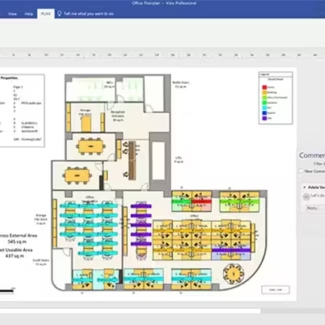
Microsoft Visio 2021 Professional
Microsoft Visual Studio 2022 Professional
Microsoft Office 2021 Professional Plus Bind
Microsoft Office 2021 Home & Business Mac
Microsoft Office 2024 Standard
Reviews
There are no reviews yet.