Benefits of having Microsoft Project
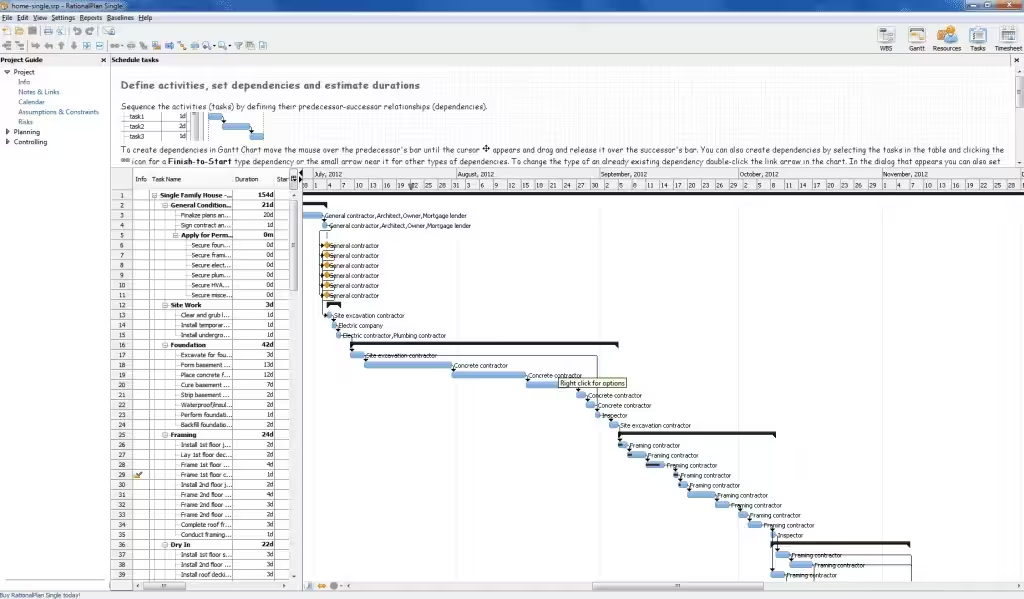
Having Microsoft Project in your daily workflow provides multiple key benefits. First, it improves strategic planning by offering visual tools such as Gantt charts, interactive timelines, and task maps that make it easy to see the project status at a glance. This makes resource allocation and meeting deadlines much more manageable.
In addition, the platform offers advanced analysis options to assess risks, adjust priorities, and optimize performance in each phase of the project. Thanks to its ability to manage multiple projects simultaneously, it is ideal for companies with complex structures or dynamic environments.
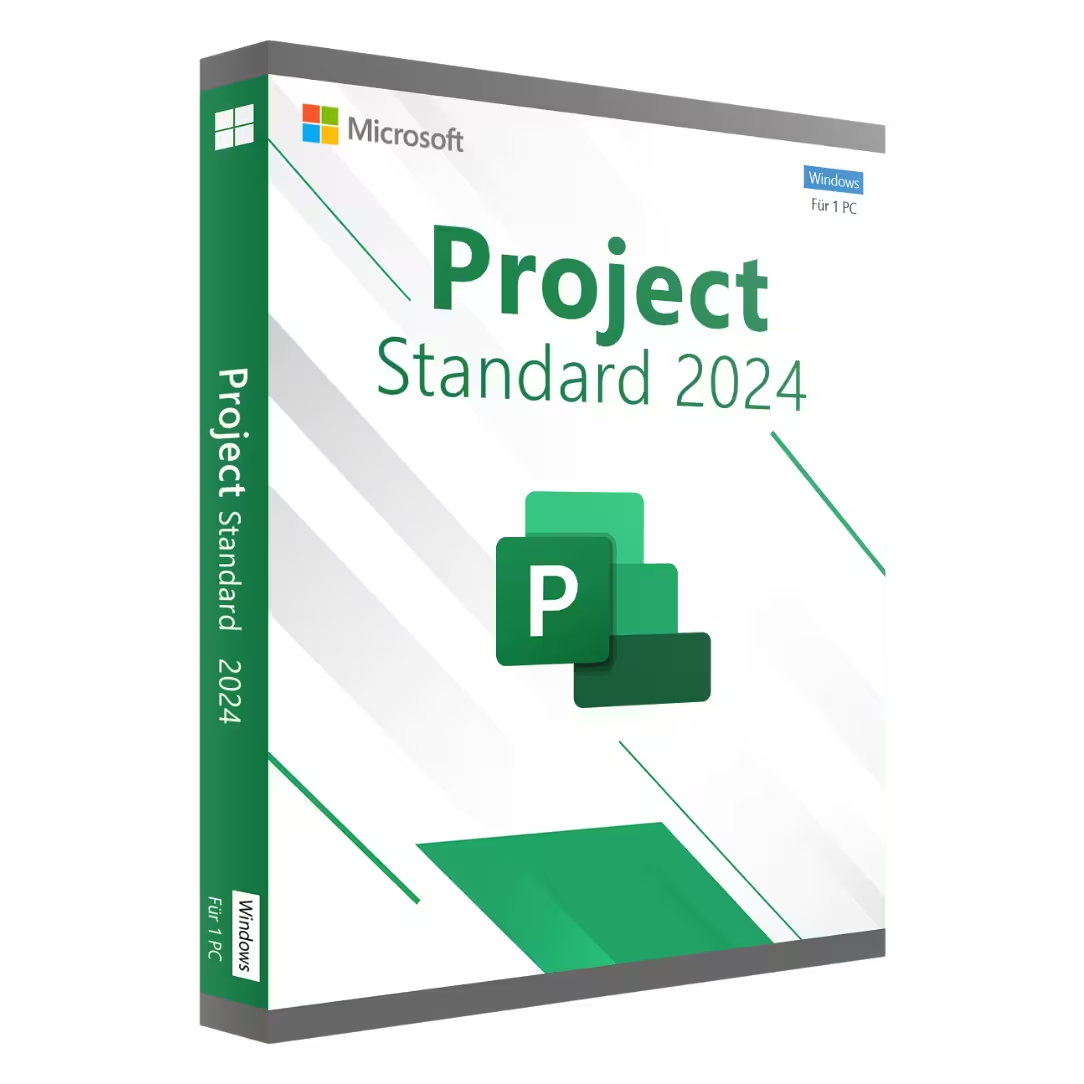
Another great benefit is its compatibility with cloud services, which allows you to access projects from anywhere and on any device. By purchasing Microsoft Project Digital Licenses, you can take advantage of all these features without relying on physical media, saving time and resources.
Finally, the intuitive and customizable interface makes Microsoft Project an accessible tool for users of all levels. Whether you are an experienced manager or a professional just starting to explore the world of project management, this tool will provide a solid foundation for success.
Why buy Microsoft Project licenses at Digital License?
Buying at Digital License guarantees a fast, secure, and cost-effective experience. This specialized provider offers 100% digital and original Microsoft Project licenses, ready to activate within minutes after purchase. Unlike other distributors, Digital License ensures full transparency in the purchasing process and professional technical support in case of questions or issues.
In addition, the platform is optimized to offer competitive prices and regular promotions, making it an attractive option for both individuals and companies that want to scale their management without increasing costs.
Another important point is the reliability of after-sales service. When you purchase a Microsoft Project license at Digital License, you receive personalized guidance and clear instructions so that activation and use of the software are straightforward from the very beginning. The store also provides detailed information about the available versions, helping you choose the most suitable option for your needs.
In summary, if you are looking to buy a Microsoft Project license legally, quickly, and without complications, Digital License is the right choice.
How to activate Microsoft Project? Our quick guide
Activating your Microsoft Project purchased through Digital License is a simple process. Once you complete your purchase, you will receive an email with your product key and step-by-step instructions. In most cases, it is enough to download the installer from Microsoft’s official website, enter the key during installation, and link the license to your Microsoft account.
After that, the software will activate automatically and be ready to use on your device. If you need additional help, Digital License offers technical support to assist you throughout the process, ensuring that you can start managing your projects without delay.
Digital activation also allows for quick and error-free installation, with the added advantage of being able to reinstall the program in the future if needed. With Microsoft Project Digital Licenses, full control of your projects is just a few clicks away.