Description
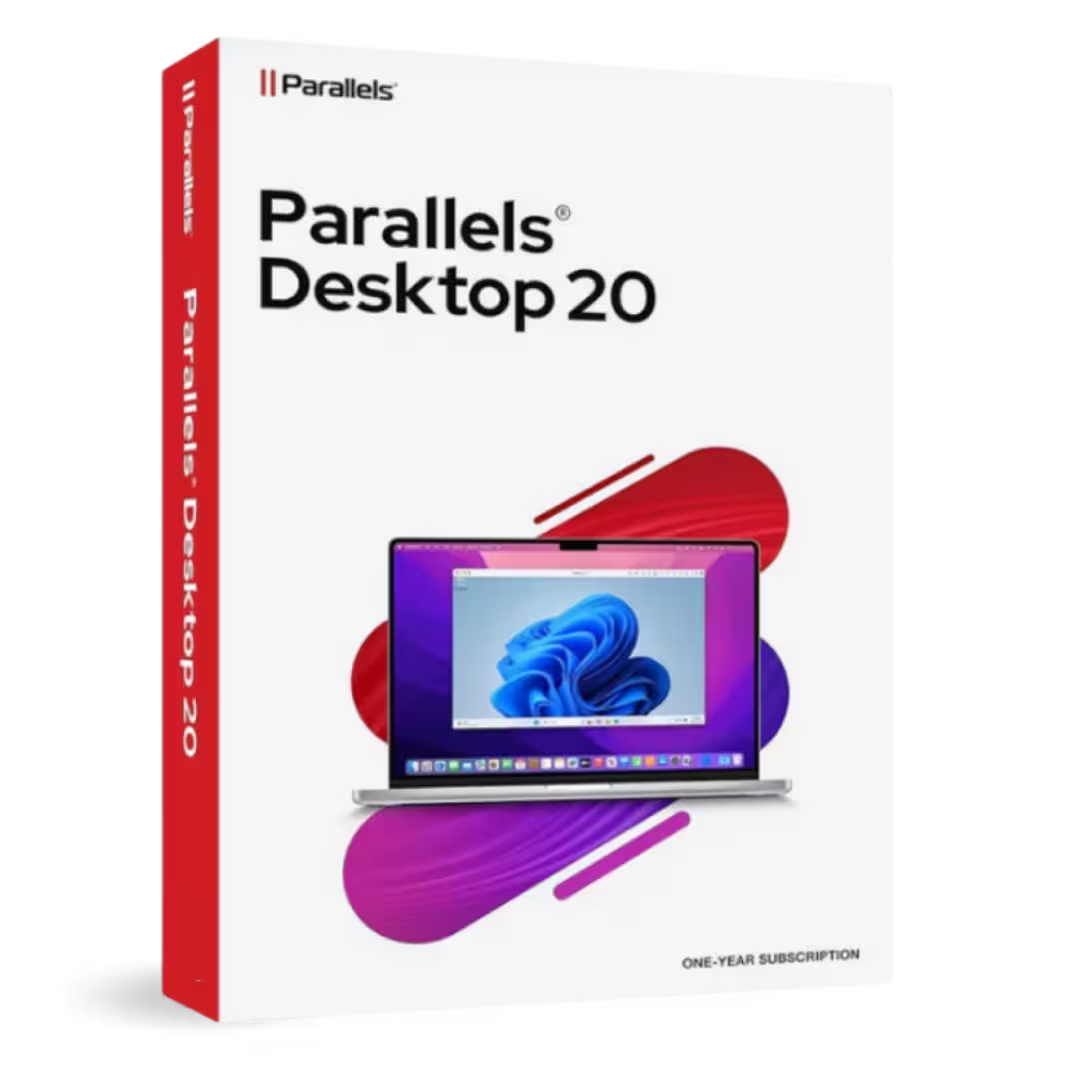
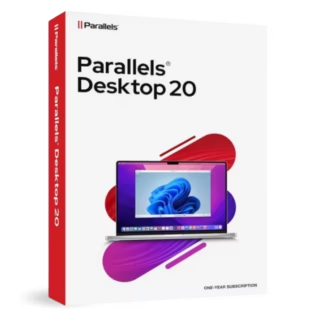
Parallels Desktop Standard 20 Mac for macOS lets professionals, teams, students, and home users run Windows and Linux apps on a Mac—backed by a lifetime license, instant digital delivery, and 100% compliance with EU Directive 2009/24/EC for legal software resale within the EU.
Overview of Parallels Desktop Standard 20 Mac
- Platform: macOS (Apple silicon & Intel)
- Edition: Parallels Desktop 20 Standard for Mac
- License Type: Retail
- Devices: 1 device
- License Duration: Lifetime
- Activation Method: Online activation
- Delivery: Instant digital delivery via email
- Support: Email and remote assistance
- Language Support: Multi-language
- Compliance: Fully legal resale under EU Directive 2009/24/EC
What Is Parallels Desktop Standard 20 Mac?
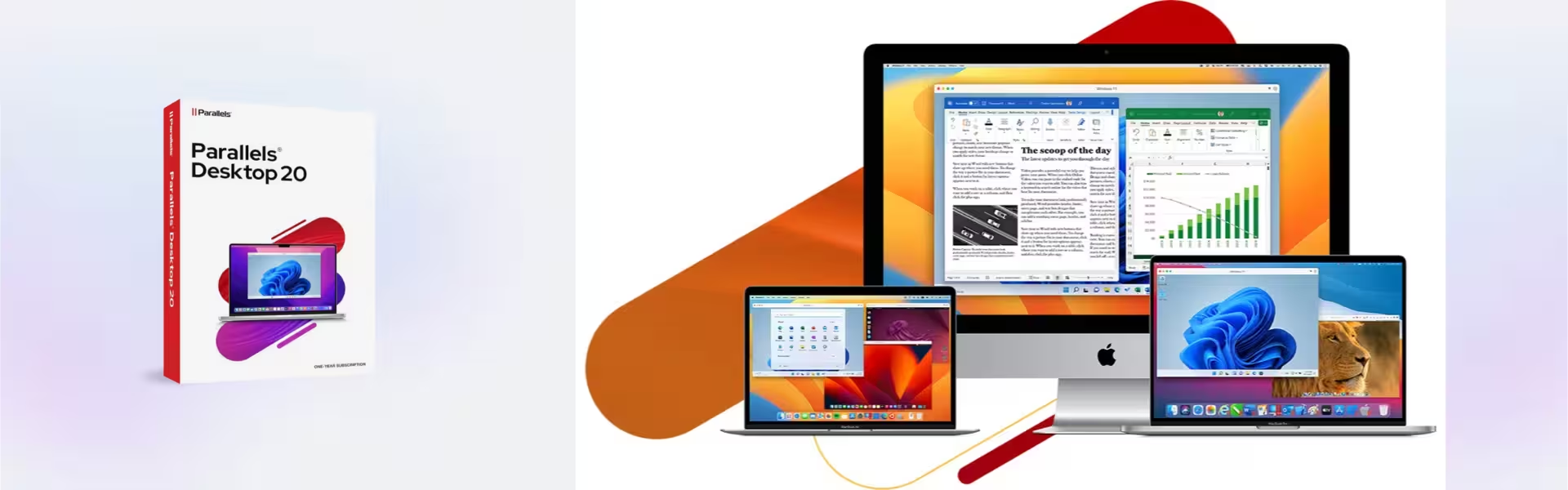
Parallels Desktop Standard 20 is a fast, easy virtualization solution that lets you run Windows 11 and popular Linux distributions side by side with macOS—no reboot required. You launch Windows apps from the Dock, share files with drag-and-drop, and work in Coherence Mode so Windows programs feel native on your Mac.
It’s ideal when you need a specific Windows-only tool (accounting, engineering, ERP), want to test across browsers/OS versions, or keep a clean, sandboxed environment for work and school. If you need advanced developer tooling and extended VM limits, consider the Parallels Desktop Pro Edition. You can also pair Parallels with a genuine Windows key like Windows 11 Pro to activate your VM.
Included Features in Parallels Desktop Standard 20 Mac
- Coherence Mode: Run Windows apps side by side with macOS apps without seeing the Windows desktop.
- One-click Windows setup: Download and install Windows 11 in minutes with guided installation.
- Seamless sharing: Shared clipboard, folders, printers, and drag-and-drop between Mac and VM.
- Graphics support: DirectX 11 and OpenGL support for many productivity and design apps.
- USB & device connectivity: Attach USB drives, smart cards, webcams, and more directly to your VM.
New Features in Parallels Desktop Standard 20 Mac
- AI-ready VMs package: Prepped virtual machines to jump-start local AI tooling and workflows.
- macOS Sequoia/Sonoma readiness: Improved stability and compatibility with the latest macOS.
- Faster setup & UI polish: Streamlined installation assistant and clearer virtualization settings.
- Performance refinements: Quicker launch, smoother file I/O, and more responsive Windows on Apple silicon.
- Integration enhancements: Better Coherence behavior and modern Windows features supported in VMs.
Key Features & Benefits of Parallels Desktop Standard 20 Mac
Security & Compliance
You isolate work in a virtual machine, keep corporate data separate, and rely on a retail license that’s 100% legal under EU law in line with the Directive 2009/24/EC.
Performance & Virtualization
You get hardware-accelerated virtualization optimized for Apple silicon and Intel Macs, with support for DirectX/OpenGL and efficient memory management.
Remote Access Tools
You plug in USB devices, map network shares, and use shared folders so remote/hybrid workflows stay smooth between macOS and Windows.
Productivity & Efficiency
You save time with one-click Windows install, Coherence Mode, drag-and-drop, and advanced clipboard—reducing app-switching and context loss.
One-Time Ownership
You own it outright with a lifetime license—no subscription or renewal—and you receive instant digital delivery for rapid deployment.
How to Activate Your Parallels Desktop Standard 20 Mac License
- Download the software
- Install it on your device
- Go to Settings > Activation
- Enter your product key and activate online
Why Buy Parallels Desktop Standard 20 Mac from Digital License?
- Instant delivery via email within minutes
- Lifetime license with no subscription
- Remote support and installation help included
- 100% legal resale under EU Directive 2009/24/EC
- Refund guarantee if activation fails
FAQs About Parallels Desktop Standard 20 Mac
- Is this a subscription or a one-time purchase?
- This is a lifetime license—a perpetual one-time purchase with no subscription or renewal required.
- Do I get a genuine retail key I can keep?
- Yes. You receive an authentic retail key with remote activation support and our full refund guarantee if activation fails.
- Is this 100% legal under EU law?
- Absolutely—our licenses are 100% legal under EU law and fully compliant with the Directive 2009/24/EC covering software resale.
- Will it run Windows 11 on an Apple silicon Mac?
- Yes. Parallels Desktop Standard 20 lets you set up Windows 11 quickly and run many Windows apps smoothly on M-series and Intel Macs.
- Can I share files and devices between macOS and Windows?
- Yes. Shared folders, clipboard, printers, and USB devices work between your Mac and VM for a seamless workflow.
- What if I need help installing or activating?
- We include remote activation support, step-by-step guidance, and a full refund guarantee if we can’t resolve activation.
- Does it support games and 3D apps?
- Parallels supports DirectX 11 and OpenGL-based apps. Performance varies by title; many productivity and design tools run well in a VM.
Installation & Support for Parallels Desktop Standard 20 Mac
- Official product key sent via email
- Secure download link from Parallels or our servers
- Step-by-step instructions included
- Remote setup help available
- Buy with confidence from a verified EU software license reseller
What Does “Retail License” Mean?
A retail license is a transferable, perpetual license you purchase once and keep. It activates online, can be moved when you change Macs (one device in use at a time), and is 100% legal under EU law in accordance with the Directive 2009/24/EC on lawful software resale.

Reviews
There are no reviews yet.